Agents Dispatch
An AI Model Helped Find Where uBlock Origin Trusted the Wrong Messages, and AI Agents Now Read Pages From the Same Seat
Some of the most powerful code in your browser is code you invited in yourself. An ad blocker reads every page you open. A coding agent connected to Chrome sees whatever that browser shows it. Both rest on one quiet promise: a website you visit can't give orders to the trusted software running beside it. In a post dated November 15, 2026, a researcher described how a single webpage broke that promise for uBlock Origin, with an AI model doing most of the work of finding how. That pairing matters more as developers wire AI agents into browsers, in much the same seat the ad blocker holds.
Audio is in English only for this language. Also read aloud in Spanish, French, Italian and Portuguese.
A leaked ID let a webpage send orders uBlock Origin accepted as its own
Writing on iter.ca, Smitty van Bodegom described a one-click universal cross-site scripting bug in uBlock Origin. Cross-site scripting is a flaw that lets one website run its own code on other websites, and "universal" means it reached any site. It hit the Firefox version built on Manifest V2, the older format for browser extensions. A similar but less problematic issue affected uBO Lite, built on the newer Manifest V3 format. Van Bodegom writes that the issue is fixed now.
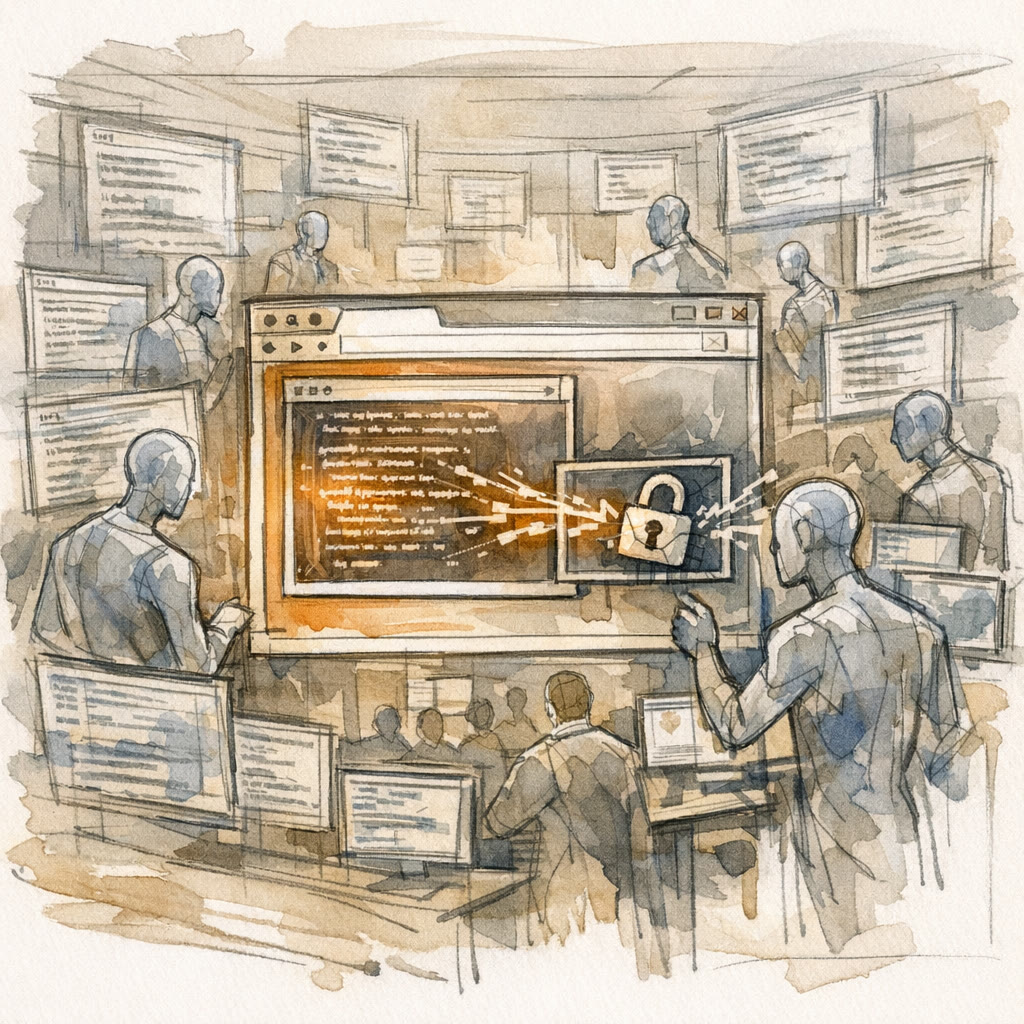
The weak point was the element picker, the tool you open by right-clicking to block one part of a page. The picker can tell the extension to add filters, the rules an ad blocker follows to block or change parts of a page. On Firefox, a default rule leaked the internal ID needed to reach the picker. With that ID, an attacking page could load the picker in an invisible frame and feed it messages. One message smuggled in a trusted filter, a rule allowed to inject JavaScript, the programming language websites run in your browser, into any site the attacker chose. One click on the disguised page was enough. The post names the core failure plainly: "the element picker shouldn't accept messages from the attacker."
An AI model did most of the finding, as models move inside browsers
According to van Bodegom, GPT-5.6 Sol "did most of the hard work of finding the issue." They suspected filter injection might lead to this kind of flaw, asked the model to take a look, then checked and verified the issue it proposed. They wrote all of the prose themselves and credit Claude with writing most of the proof-of-concept code, the working demonstration of the attack.
That puts models on both sides of the same boundary. Here, a model found a message a trusted component should have refused. Elsewhere, developers are connecting models to live browsers, where the model itself becomes the trusted component, reading whatever pages put in front of it.
Chrome DevTools for agents hands an assistant a live browser, possibly one already in everyday use
According to its GitHub page, chrome-devtools-mcp lets coding agents such as Antigravity, Claude, Cursor or Copilot control and inspect a live Chrome browser through the Model Context Protocol (MCP), a standard way for AI assistants to connect to outside software. Its disclaimer says the tool "exposes content of the browser instance to the MCP clients allowing them to inspect, debug, and modify any data in the browser or DevTools," and advises users to avoid sharing sensitive or personal information they don't want those clients to have.
The project's advanced guide also covers persistent user data directories, the folders where a browser profile keeps its data between uses, and connecting to a Chrome that is already running instead of starting a new one. So the browser an agent reads from need not be blank. It can carry whatever someone's everyday browsing has left in it.
Planted instructions would be an agent's forged message, and neither source shows one landing yet
For an agent, the closest match to the forged picker message would be page text written to read like an instruction. This is usually called prompt injection: words placed in page content to steer the model that reads them. The chrome-devtools-mcp disclaimer describes the setup for it, since the tool hands browser content to an assistant that can modify data in the browser.
The evidence stops there. Neither source reports an agent acting on planted instructions, and neither describes a leak like uBlock's in any agent tool. The resemblance lies in the arrangement: privileged software reading pages nobody vetted. The uBlock case shows that arrangement failing once, through one leaked detail and a component that never checked who was talking to it.
What tells a browser agent which instructions are genuine
For the ad blocker, the detail websites were never supposed to learn was a random ID, and it slipped out through a rule meant to swap ad scripts for harmless stand-ins. For an agent driving a live browser, what plays the role of that ID, and has anyone checked whether it leaks?
uBlock Origin's repair relied on something the real picker could be handed in private
Van Bodegom notes that the extension's internal ID could leak in several ways, so the rule used in this attack was only one route. One of the fixes doesn't rely on the ID staying hidden. The real picker gets a secret password from the content script, the part of the extension that runs inside each page, and sends it in its first message. An impersonator might still find the picker, but it can't present the password.
There is a hopeful thread in how this unfolded. A model searched, a person verified, the hole was closed, and the write-up lays out both the attack and the repair in public. That repair suited a piece of code that can be given a password and asked to show it. A model working inside a browser takes in text that each page's author chose, and neither source says what, if anything, it could be handed in private.